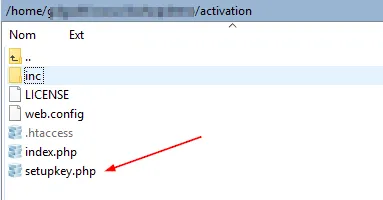
Configurar la clave de cifrado local
Abra su navegador web y vaya a la URL anterior + setupkey.php
Con el ejemplo anterior, iríamos a:
https://www.mywebsite.com/wordpress/activation/setupkey.php
Este script PHP configurará la clave de cifrado utilizada por la aplicación web para intercambiar datos con el EXE del libro.
Tras la ejecución del script PHP, su navegador web debería mostrar:
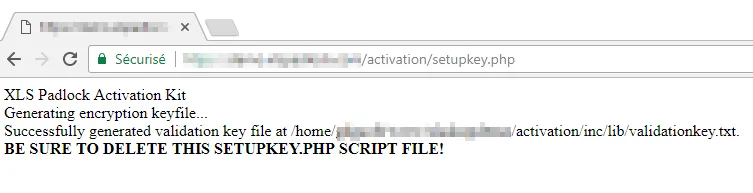
Esta clave de cifrado se almacena en un archivo ubicado en:
/activation/inc/lib/validationkey.txt
Una vez que esté en producción (es decir, que haya distribuido a los clientes el archivo EXE de su libro creado con XLS Padlock), no reemplace este archivo, ya que de lo contrario los usuarios finales tendrán que reactivar su libro.
Por último, por motivos de seguridad, elimine el archivo setupkey.php de su servidor web.