Étape 3 : associer votre fichier EXE de classeur compilé
-
Dans XLS Padlock, accédez à la page Activation Keys / Online Activation.
Dans le champ Base Activation URL, saisissez l’URL du dossier xlspadlock-onlineact (voir URL de base pour l’activation) sur votre serveur web suivie de /getactivation (ne mettez pas de barre oblique finale /).
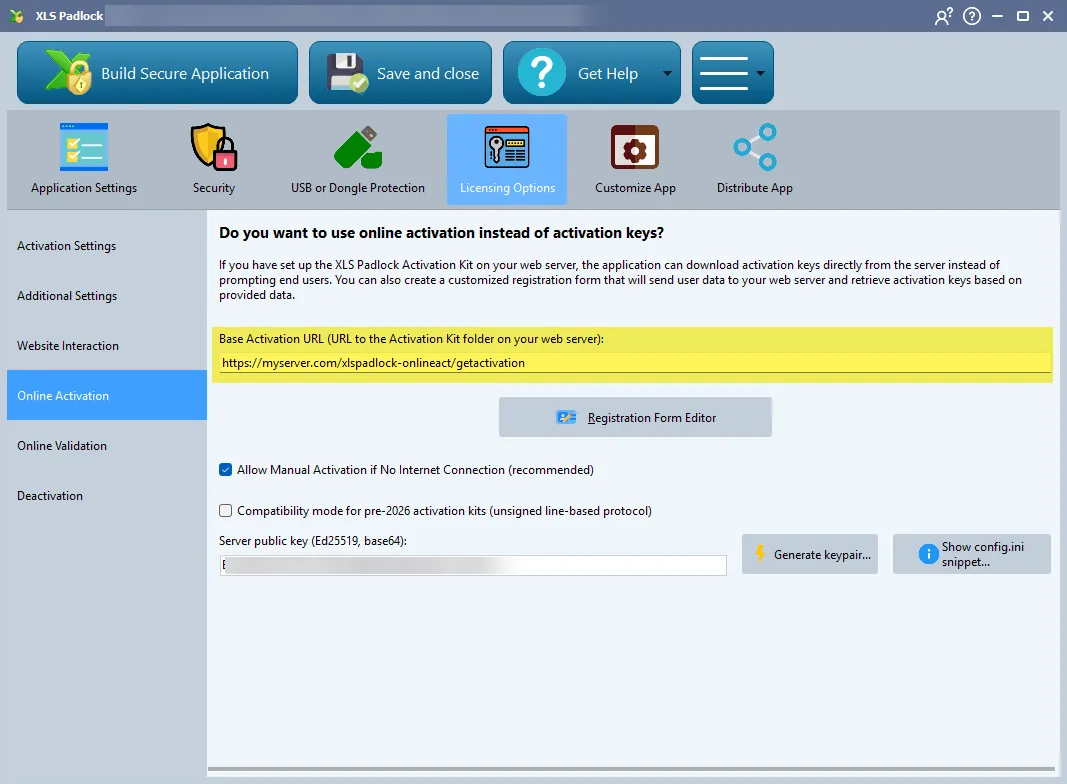
Par exemple, si l’URL d’accès à votre dossier xlspadlock-onlineact sur le serveur est
http://activation.mydomain.com, l’URL de base à saisir est :http://activation.mydomain.com/getactivation -
Compilez votre application de classeur. Elle est désormais associée à l’application web.
-
Faites un test.