
XLS Padlock is a powerful protection and licensing solution for Microsoft Excel, designed to copy-protect your workbooks. It functions as a compiler, allowing you to convert your Excel workbooks into secure, standalone applications.
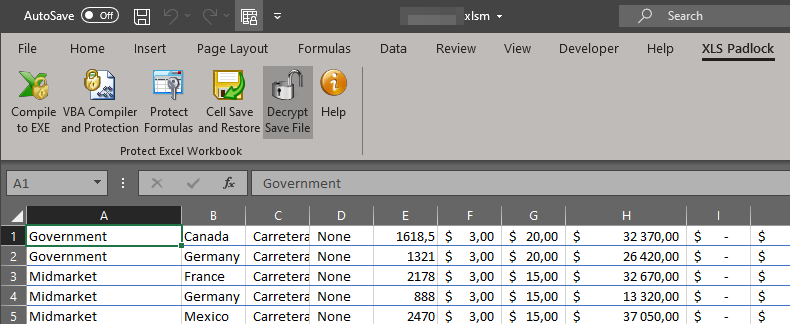
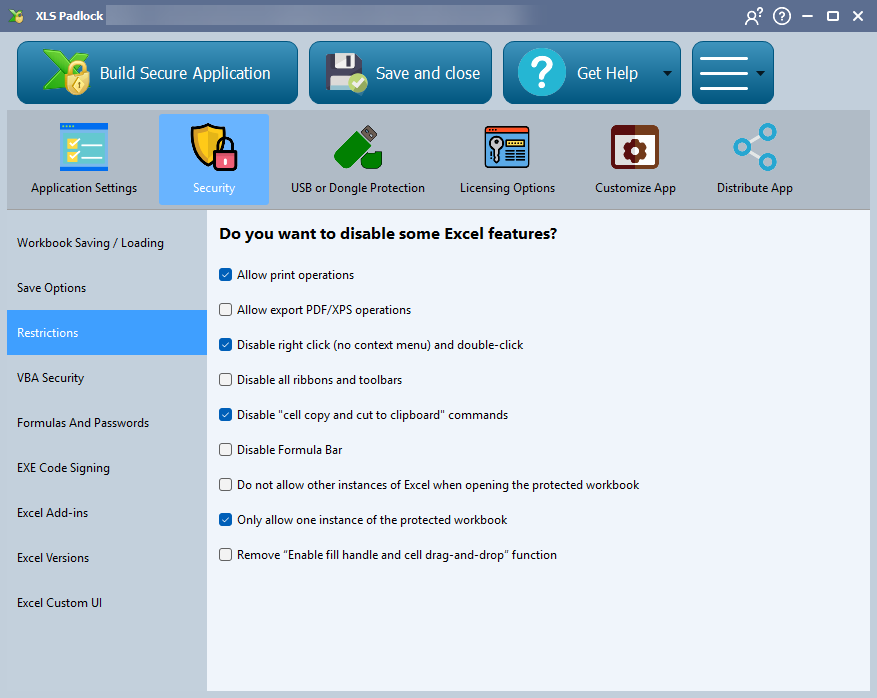
This allows you to safely distribute your Excel files, control user access, and prevent worksheet copying. Key Excel features can be restricted, including:
- Worksheet context menu (right-click)
- Copy/paste functionality
- The formula bar
- Saving and printing
- Access to the VBA project
XLS Padlock offers multiple ways to secure your files, such as locking them to a specific USB stick, using strong dongle protection, or issuing hardware-locked activation keys. You also get granular control over formula protection, allowing users to use your formulas without being able to view or copy them.
Advanced VBA Code Protection #
With its integrated VBA compiler, XLS Padlock lets you compile sensitive VBA code into secure byte-code, making it inaccessible to end users. Your VBA macros are truly protected because the original source code is removed.
The compiler is not a simple obfuscator; it transforms VBA code into binary code and stores it securely within the application’s EXE. To complete the protection, you can lock your VBA project, rendering password-cracking tools useless. Learn more about VBA Code Protection.
Comprehensive Security Options #
Applications can be configured to expire after a set number of days, a specific number of uses, or on a fixed date. A customizable nag screen can be displayed for trial versions. Online activation automates the licensing process, giving you remote control over who can access your workbooks.
Protected workbook applications are standalone and only require Microsoft Excel to function. All of Excel’s features are fully supported.
👉 You can also customize and brand your applications:
- Add a custom icon and copyright information.
- Translate all user-facing text into any language.
- Display a license agreement (EULA) or a splash screen at startup.
- Digitally sign your compiled workbooks with Authenticode.
- Create a professional installer for distribution.
- Notify users of new versions with the integrated web update feature.
Compatible with Office 365 and Excel 2024, 2021, 2019, 2016, 2013, 2010, 2007 (SP3), 2002 – both 32-bit and 64-bit versions.
Warning
A 64-bit version of Windows is required to create 64-bit applications.
👉 Explore Now:


