How to Hide the 'Loading Workbook' Dialog Box
By default, when your protected application starts, Excel displays a small dialog box with the message “Loading workbook, please wait…”.
You can hide this dialog by enabling the “Do not display the “Loading workbook” dialog box in Excel” option, located on the Splash Screen page. This is useful for creating a cleaner startup experience, especially when you are already using a custom splash screen.
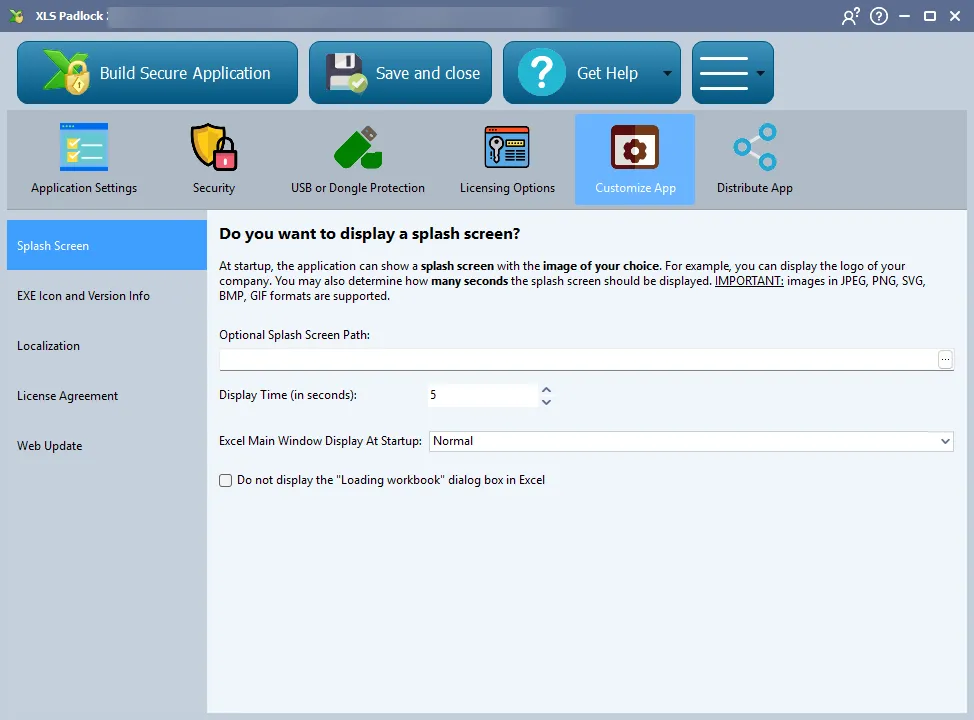
It is also possible to hide this message early using VBA code, which gives you more control over when the dialog disappears.
👉 See Also