How to Add a Splash Screen
You can display a splash screen, an image shown briefly at startup, while your application is initializing. This is a great way to display your company logo or brand your application.
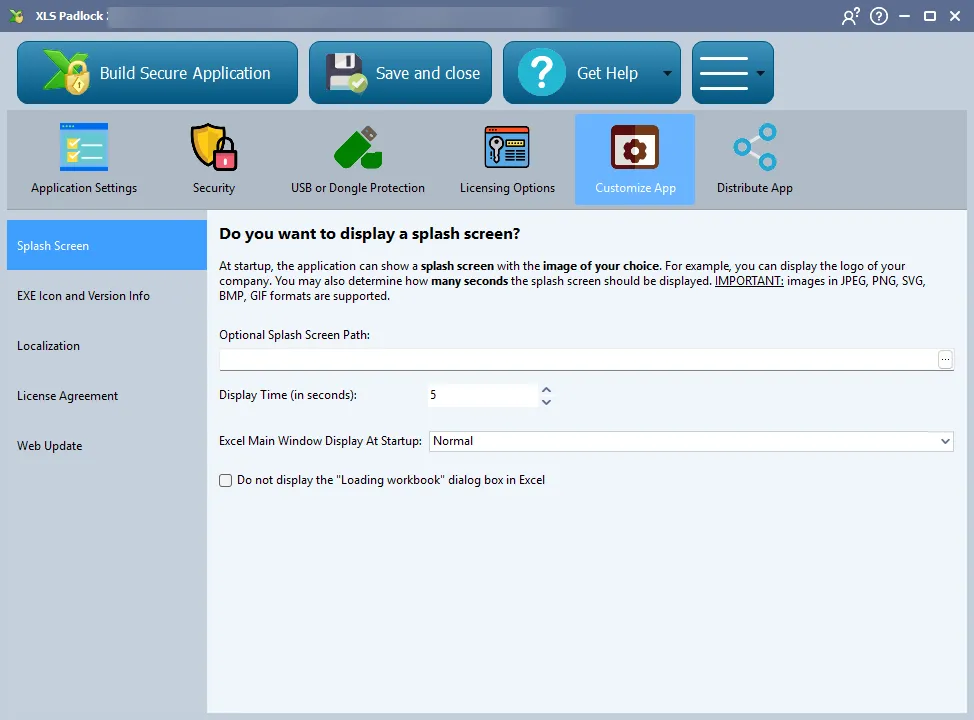
Splash Screen Settings
Section titled “Splash Screen Settings”You can use any image in JPEG, PNG, BMP, SVG, or GIF format.
You can set the duration for how long the splash screen is displayed. By default, users can close it immediately by clicking on it. This behavior can be disabled in the Advanced Options.
👉 See also: Do not display the “Loading workbook” dialog box in Excel.