XLS Padlock Basic Activation Kit
Online activation is a feature of XLS Padlock, our Excel workbook protection software, to automate the retrieval of activation keys: the compiled workbook can communicate with your web application powered by this activation kit and download activation keys directly from the server instead of prompting end users.
When the end user starts the application, a dialog box appears telling the user that an activation is required. It can be customized at will by adding your own fields and have the application send provided data to your web server. In return, the web server sends the activation key back.
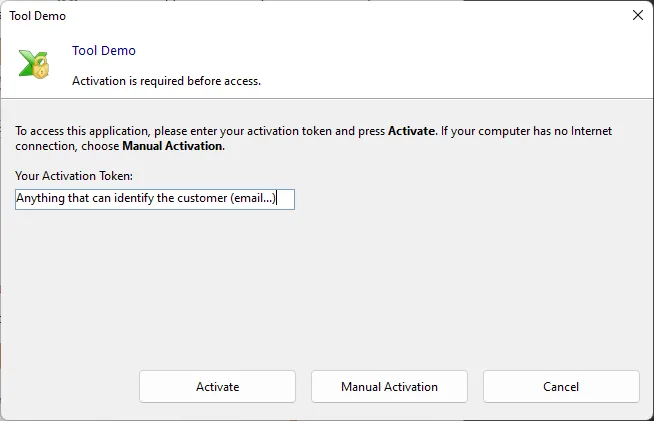
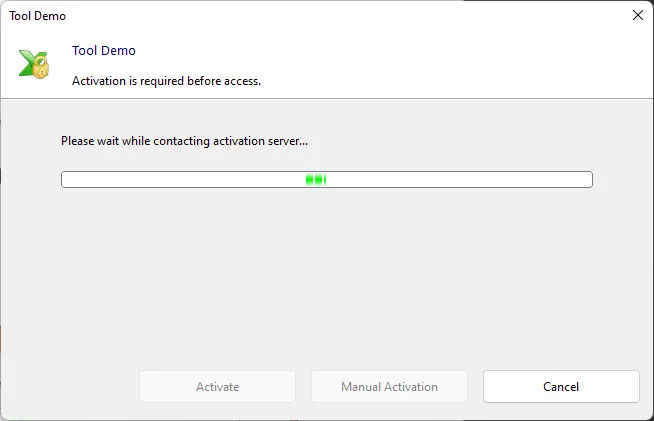
When the user clicks Activate, data is sent to the activation server. After a successful activation, a confirmation message is shown, and the application is restarted. If an error occurs, the corresponding message box is shown and end users can try to activate again.
This guide will help you to install the web application on your web server.