Explore or Delete the Save Storage Folder
The Explore Save Storage Folder and Delete Save Storage Folder buttons provide quick access to the local folder on your PC where your protected application stores its data.
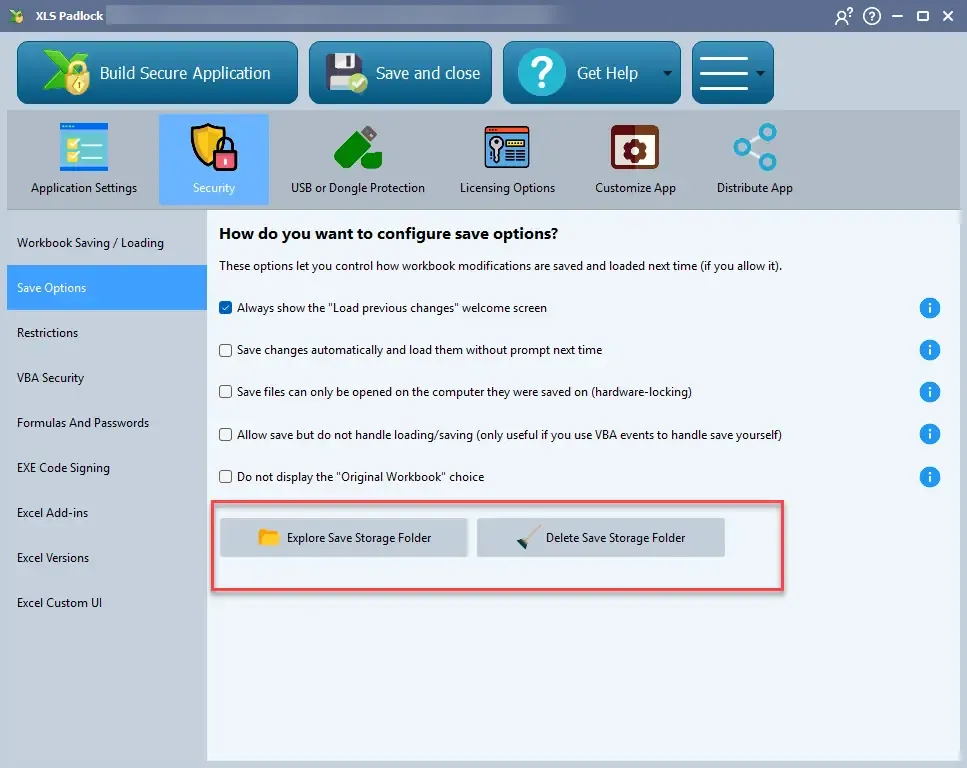
This folder contains:, Automatically saved files (if this feature is enabled)., The save history file., License and activation data.
If portable mode is enabled (in Advanced Options), these buttons will open the same folder that contains the application’s EXE file. For safety, the “Delete” button is disabled in this mode.