Check if the Workbook is in Trial State with VBA
XLS Padlock provides a VBA API that allows you to programmatically determine if your compiled workbook is running in a trial state. Using the function below, you can enable or disable specific features, display upgrade messages, or create other custom trial limitations based on the user’s license status…
👉 Insert the following function into a VBA module:
Public Function IsTrial() Dim XLSPadlock As Object On Error GoTo Err Set XLSPadlock = Application.COMAddIns("GXLSForm.GXLSFormula").Object IsTrial = XLSPadlock.PLEvalVar("IsTrial") Exit FunctionErr: IsTrial = FalseEnd FunctionYou can then call the function:
Sub Test_IsTrial() If IsTrial() Then MsgBox "Trial" Else MsgBox "Registered" End IfEnd Sub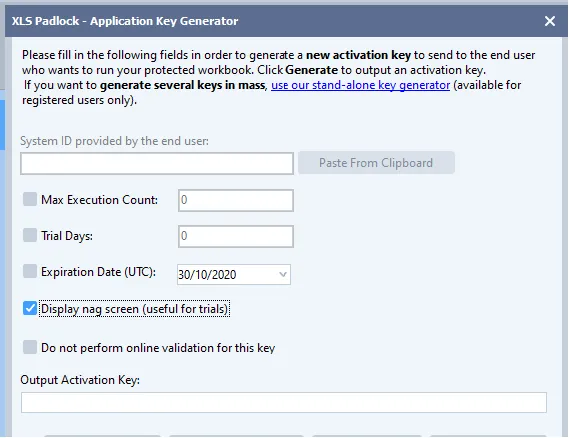
👉 See Also: Set Restrictions on Activation Keys