How to Set the Excel Main Window Display at Startup
The Excel Main Window Display at Startup option allows you to define how the Excel window will be sized when your application starts. This setting is located on the Splash Screen page.
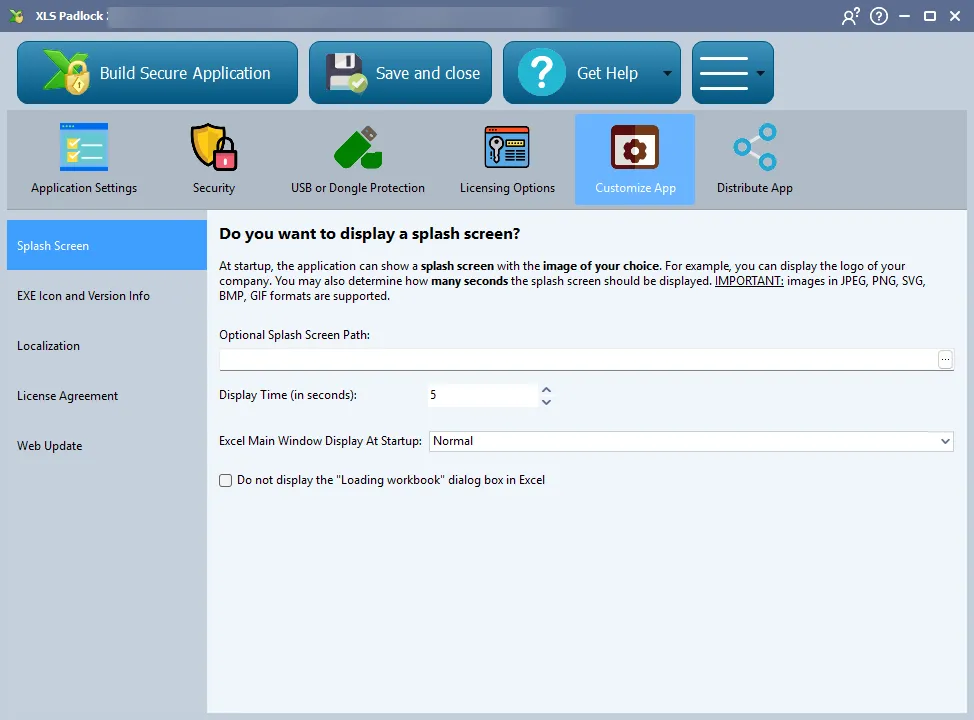
You can choose from three options:
- Normal: The Excel window opens with its default size and position. This is the default behavior.
- Minimized: The application starts minimized in the Windows taskbar. This is useful if your application runs in the background or if you want to display a custom form before showing the main Excel window.
- Maximized: The Excel window opens maximized to fill the entire screen.