Set Required Excel Versions
If your workbook requires features from a specific version of Excel, you can configure your application to check the end-user’s Excel version at runtime.
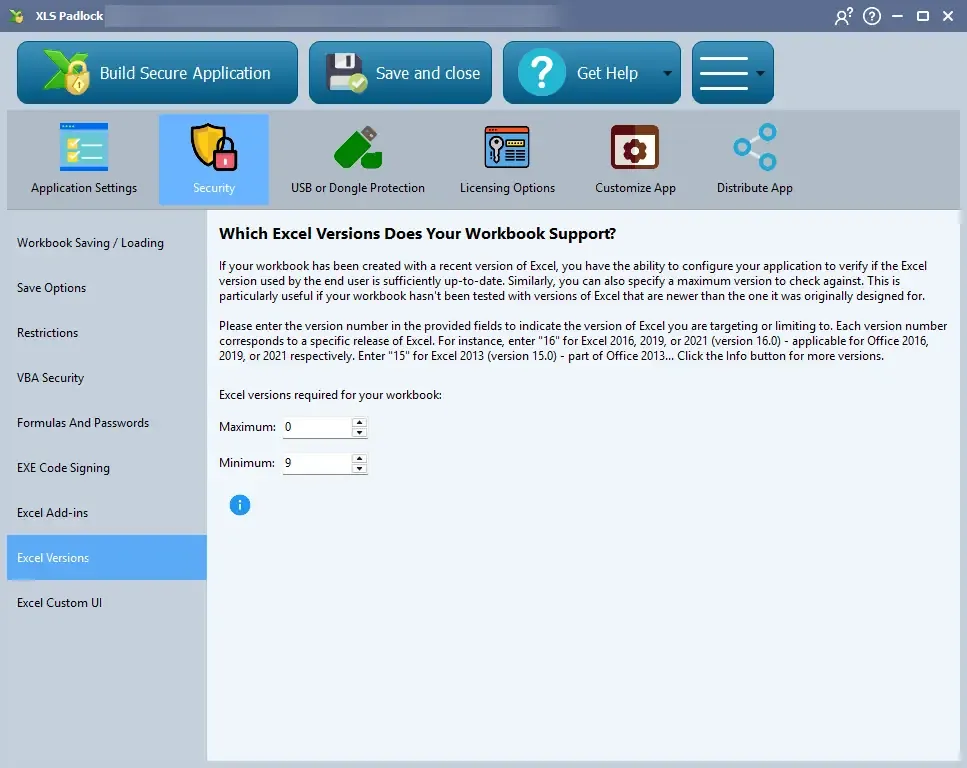
You can set both a minimum required version and a maximum allowed version. This is useful to ensure compatibility or to prevent use on newer, untested Excel versions. A maximum of 0 means no limit.
Enter the corresponding version number in the fields:
- 9: Excel 2000 (version 9.0)
- 10: Excel 2002 (version 10.0)
- 11: Excel 2003 (version 11.0)
- 12: Excel 2007 (version 12.0)
- 14: Excel 2010 (version 14.0)
- 15: Excel 2013 (version 15.0)
- 16: Excel 2016, 2019, 2021, and 365 (version 16.0)