How to Decrypt User Save Files
Save files created by your application are encrypted and cannot be opened directly in Excel. However, as the workbook’s original author, you can decrypt any save file generated by your application. This is useful for recovering data if a customer sends you their save file.
To open a save file (.xlsc or .xlsce), choose “Decrypt Save File” from the XLS Padlock ribbon in Excel:

Decrypting .XLSC Files (Full Save Mode)
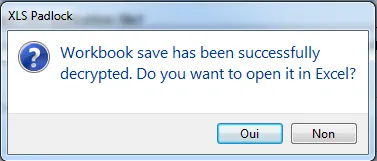
Section titled “Decrypting .XLSC Files (Full Save Mode)”If you select an .xlsc file created with the full save mode, XLS Padlock will decrypt the entire workbook and open it.
Decrypting .XLSCE Files (Cell Values Mode)
Section titled “Decrypting .XLSCE Files (Cell Values Mode)”If you select an .xlsce file created with the cell values saving mode, XLS Padlock will ask if you want to overwrite the cells in your currently open workbook with the values from the save file.